

How to Tell If the HDMI Port Is the Problem
When your game console stops displaying on the TV, the HDMI port is one of the most likely culprits. But not every display issue is an HDMI port failure. Here’s how to tell the difference between a cable problem, a settings issue, and actual port damage that needs repair.
Sign 1: The Cable Feels Loose in the Port
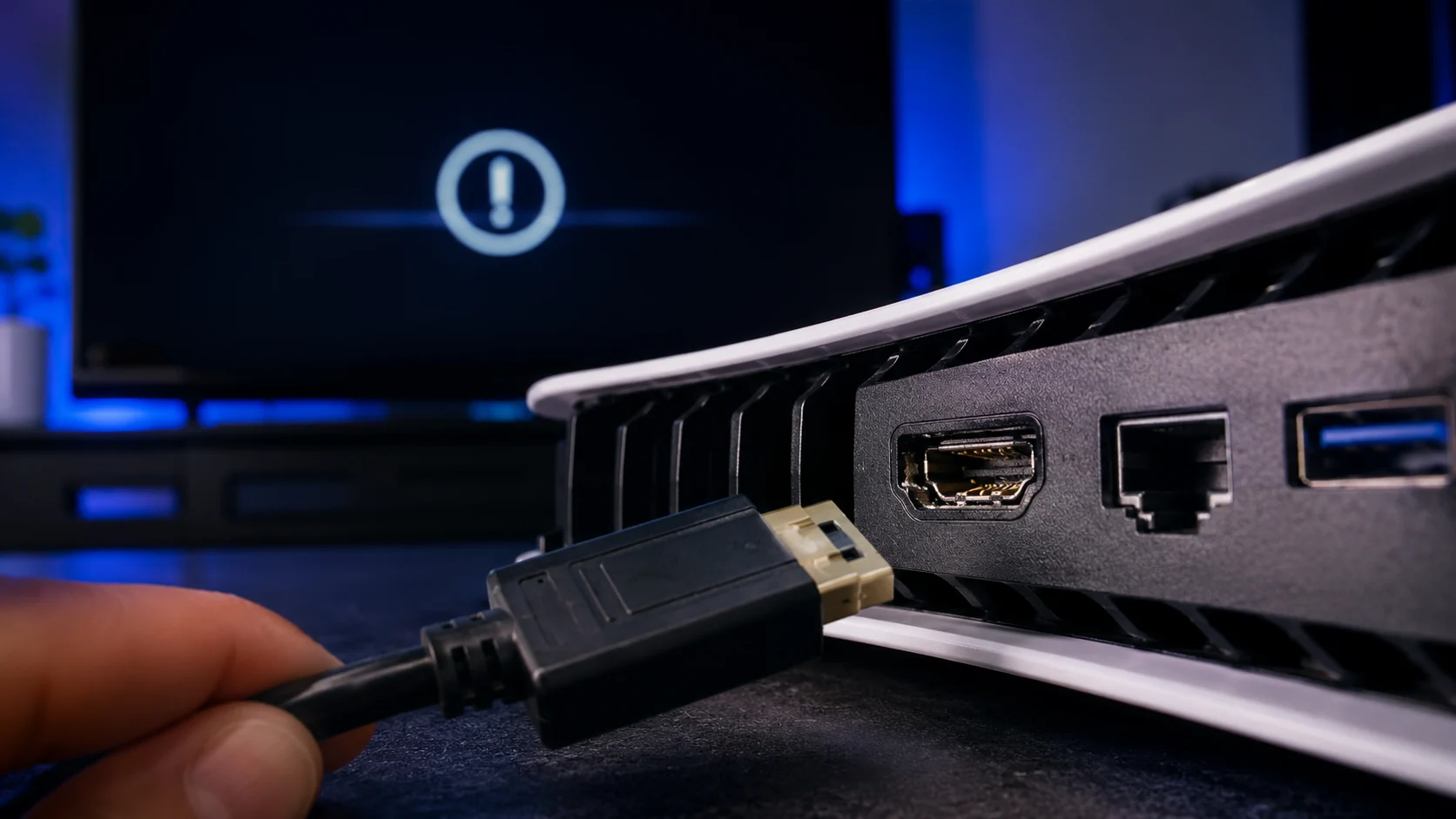
Plug an HDMI cable into the back of your console. It should click in and feel firm. If the cable wobbles, slides out on its own, or only stays in when gravity holds it, the HDMI port housing is damaged. The metal shell that grips the cable connector has been bent or cracked, usually from the cable being pulled at an angle or the console being moved while a cable was connected.
A loose port is a mechanical failure. No amount of software troubleshooting or cable swapping will fix it because the connector can’t make a stable electrical contact.
Sign 2: Flickering, Static, or Intermittent Signal
If the display works sometimes but cuts in and out, shows random static, flickers between a picture and a black screen, or briefly shows the image when you wiggle the cable, one or more pins inside the HDMI port are bent or making inconsistent contact.
The HDMI connector has 19 pins, and each carries specific data. Even one pin that’s slightly misaligned can cause signal dropouts. This typically worsens over time as the damaged pin loses contact more frequently.
Sign 3: Colored Lines or Distorted Image
If you see horizontal or vertical colored lines across the display, a purple or green tint over the image, or a picture that looks “scrambled,” the HDMI data pins are partially connected but not transmitting correctly. This is different from a complete “no signal” (which means the connection is fully broken).
Before concluding it’s the port, test with a known-good HDMI cable and a different TV. If the distortion follows the console to every display and every cable, the port or the HDMI encoder chip on the board is the issue.
Sign 4: Console Turns On But TV Shows “No Signal”
The console beeps, the power light comes on, the fan spins, but the TV shows nothing. This can be a port issue, but it can also be a resolution mismatch. Before jumping to hardware conclusions, try booting the console in Safe Mode to reset the video output (covered in our PS4 HDMI troubleshooting guide).
If Safe Mode also shows no display, the port is almost certainly damaged or the HDMI transmitter IC on the motherboard has failed.
Sign 5: Visible Damage Inside the Port
Shine a flashlight into the HDMI port and look at the pins. Healthy pins are straight, evenly spaced, and gold-colored. If you see pins that are bent sideways, pushed back, broken off, or discolored (dark brown or black from a short), the port needs to be replaced.
Also check the port housing itself. If it’s cracked, tilted, or separated from the board, the solder joints underneath have broken.
Why This Isn’t a DIY Repair
HDMI ports on game consoles are surface-mount soldered to the motherboard with multiple connection points. Replacing one requires desoldering the old port with hot air, cleaning the pads, and soldering a new port with precision alignment. This is micro soldering work that needs the right equipment and experience.
Attempting it without proper tools risks lifting pads off the board, which can make the console unrepairable.
Console HDMI Repair in Albuquerque
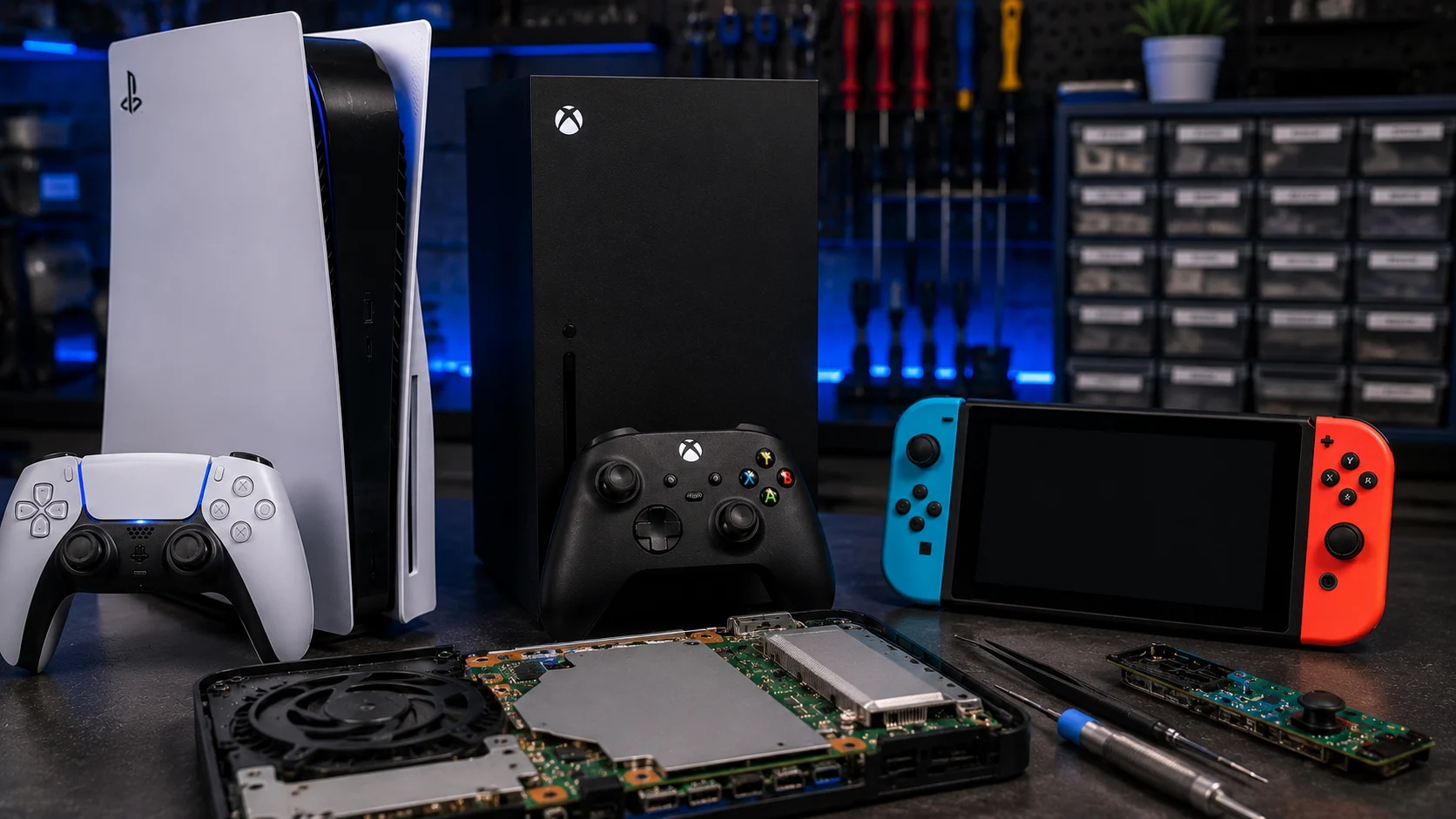
HDMI port replacement is one of our most common console repairs at our Albuquerque shop. We do this daily on PS4, PS5, Xbox One, Xbox Series X/S, and Nintendo Switch. Most are same-day repairs.
If you’re seeing any of the signs above, bring the console in for a free diagnostic. We’ll confirm whether it’s the port, the HDMI IC, or something else entirely before quoting anything.