

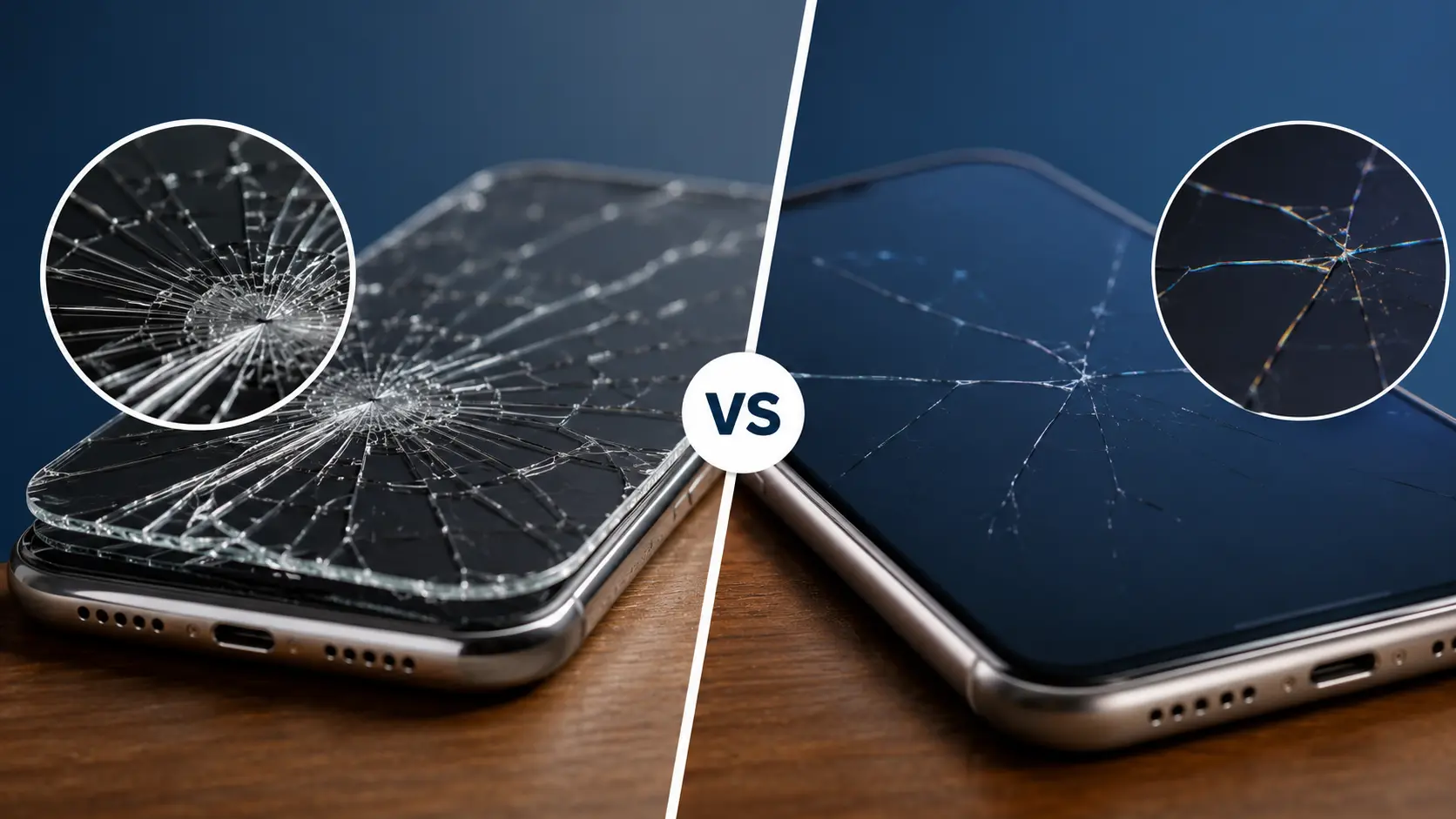
Is It the Screen Protector or the Actual Screen?
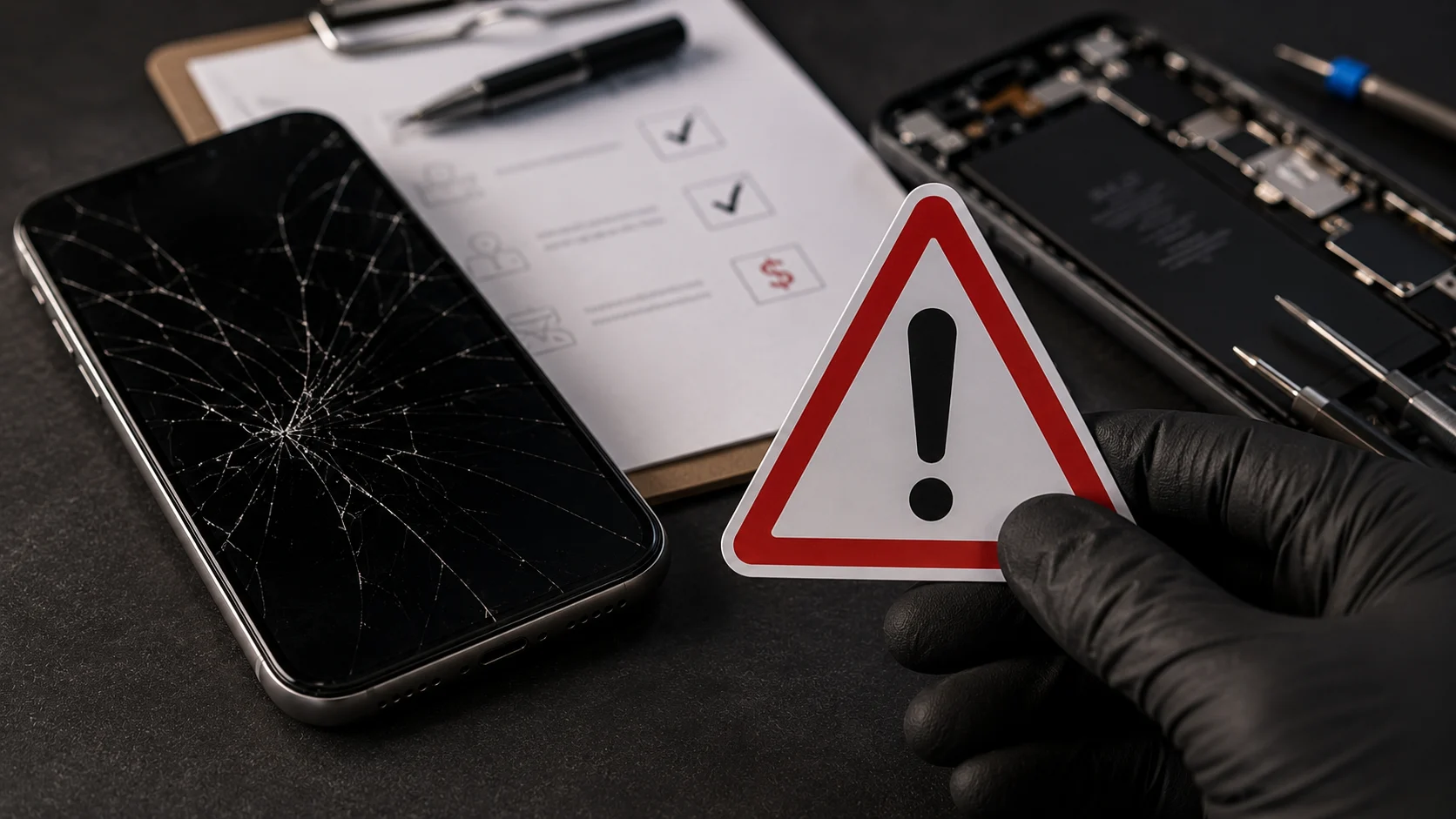
You dropped your phone. There’s a crack. But before you assume the worst, there’s a good chance the damage is only on your tempered glass protector, not the display underneath. The difference between the two determines whether you need a $10 replacement protector or a professional screen repair.
Here’s how to figure out which one is damaged.
Run Your Finger Across the Crack
This is the fastest test. Drag your fingertip slowly across the cracked area.
If your finger catches on the crack and you feel a physical ridge, the damage is most likely on the surface layer (your screen protector). Tempered glass protectors sit on top of the display, so cracks in them are raised and rough to the touch.
If the surface feels smooth but you can still see the crack underneath, the damage is on the actual phone screen. The protector may even be intact while the display beneath it is fractured.
Use a Flashlight at an Angle
Hold a flashlight (or another phone’s flashlight) at a low angle across the cracked area. Tilt it slowly.
If the crack catches the light only at certain angles and looks shallow, it’s likely on the tempered glass. If the crack appears deep, produces a shadow, or seems to sit below the surface, your actual screen has the damage.
Try Peeling a Corner of the Protector
If you’re still not sure, carefully lift one corner of the screen protector using your fingernail. If the crack lifts with the protector and the screen underneath looks clean, you’re in the clear. If the crack remains on the display after you lift the protector, the phone screen itself is damaged.
Be gentle with this. If the screen is cracked, pressing too hard on the protector can push glass fragments into the display.
Check for Display Problems
Tempered glass cracks are cosmetic. They don’t affect what you see on your screen. But if you notice any of the following, the damage goes deeper than the protector:
Black spots or dark patches on the display, colored lines (green, pink, or white) running across the screen, flickering or unresponsive touch areas, the screen going completely black even though the phone vibrates or makes sounds.
These are signs of LCD or OLED panel damage. A new protector won’t fix this. The display itself needs to be replaced.
Why Cracks Spread (and Why Waiting Makes It Worse)
A hairline crack might look minor, but phone screens are under constant stress from daily use. Tapping, swiping, and even the heat generated by your phone’s processor can cause cracks to spread over time. If you’re wondering whether it’s safe to keep using a phone with a cracked display, we’ve covered that in detail here.
Dust and moisture can also work their way through cracks and damage internal components. In Albuquerque’s dry, dusty climate, this happens faster than you might expect. Fine sand particles get into even small fractures, and temperature swings between hot afternoons and cool evenings create thermal stress that pushes cracks further.
What We See at Our Shop
At our Albuquerque repair shop, cracked screens are the single most common repair we handle. Roughly half the people who walk in thinking their screen is broken actually just need a new tempered glass protector, which is a much cheaper fix.
We offer a free diagnostic for exactly this reason. If the protector took the hit, we’ll replace it on the spot. If it’s the actual display, we use genuine Apple screens for iPhones and premium OEM-grade panels for Samsung and other Android devices. Most screen replacements are finished in about 30 minutes.
How to Prevent Future Cracks
Invest in a quality tempered glass protector (not the cheapest one at the gas station). Look for 9H hardness rating and full-edge coverage. Pair it with a case that has raised edges around the screen, sometimes called “lip protection.” This creates a small buffer between the screen and flat surfaces when the phone lands face-down.If you want to understand the difference between screen types and how they handle impact differently, our guide on LCD vs OLED screens breaks that down.