

The Most Common Console Problems (and What Actually Fixes Them)
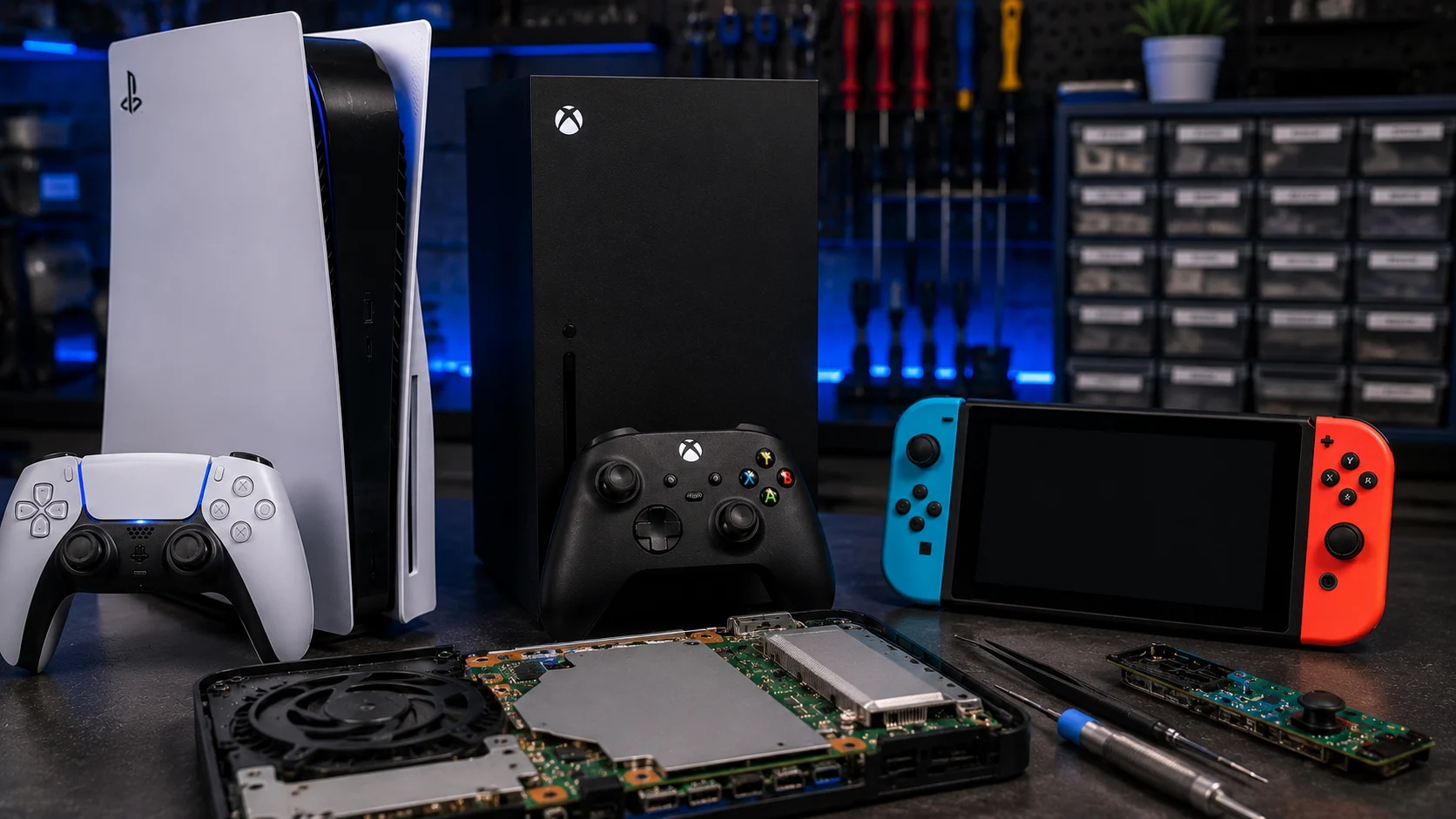
Game consoles are built to last, but they run hot, get moved around, and take years of daily use. When they fail, the symptoms usually fall into a handful of common categories. Here’s what goes wrong most often with each major console and whether it’s something you can fix yourself or a repair job.
PlayStation 5
No HDMI signal / black screen: The most common PS5 issue. Usually caused by a damaged HDMI port (bent pins, cracked solder joints) or a failing HDMI encoder chip. If cable swaps and Safe Mode don’t fix it, the port needs board-level replacement. Full troubleshooting in our PS5 repair guide.
Disc drive not reading games: The disc drive laser can wear out or the drive roller mechanism can fail. Cleaning the lens with a soft cloth sometimes helps. If the drive makes clicking or grinding sounds, the mechanism needs replacement.
Overheating shutdowns: Dust buildup in the heatsink and fan is the usual cause. The PS5’s side panels pop off for basic cleaning, but deep cleaning requires further disassembly.
Xbox Series X/S
No display output: Similar to PS5, this is often an HDMI port issue. Xbox consoles use the same type of surface-mount HDMI port. The troubleshooting steps are the same: test cables, test on another TV, check for physical port damage.
Power supply failure: The Xbox Series X has an internal power supply that can fail, causing the console to shut off mid-game or refuse to turn on. The power LED behavior (blinking, steady, or off) helps diagnose whether it’s the PSU, the motherboard, or something else.
Controller connectivity issues: If the controller disconnects randomly or won’t pair, try updating the controller firmware through USB. If that doesn’t help, the Bluetooth or Wi-Fi module on the console or controller may need repair.
Nintendo Switch
Joy-Con drift: The most common Switch problem by far. The analog stick registers movement when you’re not touching it. Recalibration (System Settings > Controllers and Sensors > Calibrate Control Sticks) is a temporary fix. Permanent fix requires replacing the joystick module inside the Joy-Con.
Won’t charge: If the Switch doesn’t charge, clean the USB-C port carefully. If that doesn’t work, the charging IC or USB-C port may need replacement. The Switch uses a non-standard USB-C implementation, so not every cable or charger works reliably with it.
Screen damage: The Switch’s screen is not Gorilla Glass (it’s a cheaper plastic composite on the original model, glass on the OLED model). It scratches easily, especially from the dock. Replacement is straightforward for a technician but tricky as a DIY job.
When DIY Ends and Repair Begins
Cable swaps, cleaning, recalibration, and Safe Mode resets are all things you can try at home. Once you’re into bent HDMI pins, failing power supplies, dead disc drives, or board-level charging failures, it’s professional repair territory.
Console Repairs at Our Albuquerque Shop
We repair all three platforms in-house at our game console repair shop. HDMI port replacement, power supply repair, Joy-Con drift fixes, disc drive replacement, and board-level micro soldering are all done here. No shipping your console out and waiting weeks.